Part 3. Video Connections with WebRTC
If you have yet to read the first two parts on Weave, I would recommend doing so as it will help to understand the WebSocket end of this. You can read part one here and part two here.
For video and voice chats, Weave uses WebRTC in a Mesh Topology Configuration. The reason for doing so is to keep latency as low as possible, the drawback is that as n grows (n being the number of connections/peers), the cost of the connections grows substantially (born in cpu usage on the client as WebRTC runs on client side).
First an overview of setting up WebRTC
For simplicity this will cover a simple 2-peer connection
Get user's media(audio/video)
User 1 sends offer to user 2 with local description (this contains the media capabilities/settings of User 1)
User 2 sets received local description as a remote description of User 1 (User 2 now understands User 1)
User 2 responds to User 1 with their local description
User 1 receives answer and sets remote description of User 2. (both users now understand each other)
User 1 and 2 gather potential ICE Servers and exchange them to find a match
Once a match is found the media streams are shared (or data if used as data stream, for the purposes of Weave it is media)
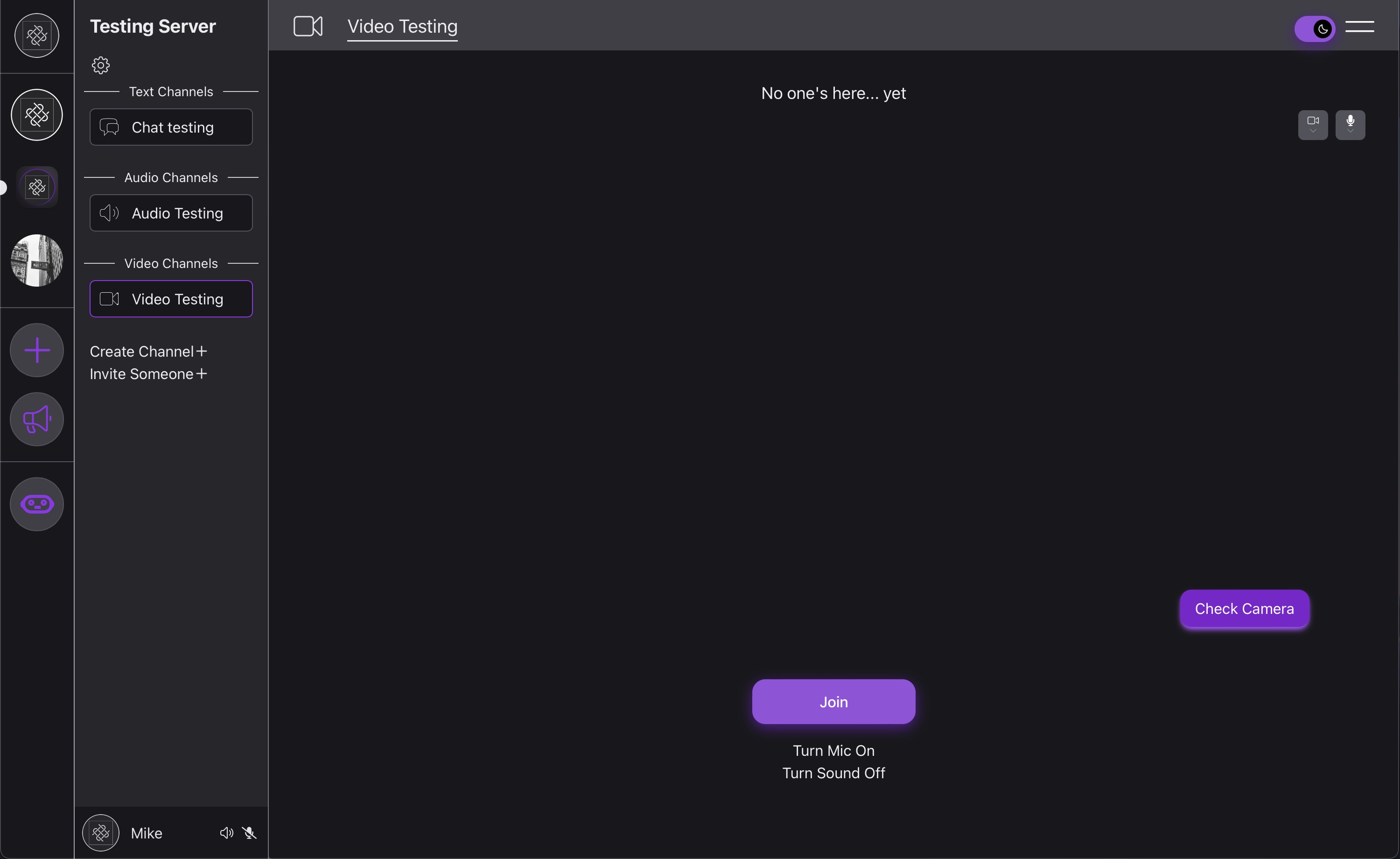
When the user joins a video channel
The following useEffects trigger:
  useEffect(() => {
    if (connectedWSQuery.data) {
      setWebSocketsInChannel(connectedWSQuery.data);
    }
  }, [connectedWSQuery]);

//if there are other users in the channel, fires again if/when the user joins
  useEffect(() => {
    if (webSocketsInChannel) {
      const wsInCall = webSocketsInChannel.filter((connection) => connection.inCall);
      const userInCallBoolean = wsInCall.some((connection) => connection.user.id === currentUser.id);
      setUserJoined(userInCallBoolean);
      setWebSocketsInCall(wsInCall);
    }
  }, [currentUser.id, webSocketsInChannel]);
//we will be coming back to this one
  useEffect(() => {
    socketOnMessage();
  }, [socket]);
These useEffects let the user know who is in the video call (won't give video/audio as the connections haven't yet been made), and this will also be used if the user joins the call to set up the webRTC mesh topology.
Joining the call is when the more complicated things happen. Here is the function that is fired when the user clicks 'Join'.
  const joinCall = async () => {
    try {
      setJoinButtonLoadingState(true);
      stream.current = await navigator.mediaDevices.getUserMedia(constraints);

     //quickly updates db that the user is in the call, this is necessary as the user by default is in the channel but not in the call, otherwise if someone accidentally clicks the channel button they will be added into the call
      await joinOrLeaveCallMutation.mutateAsync({
        newState: true,
        channelID: selectedChannel.id,
      });
     //update client side state
      await connectedWSQuery.refetch();
      //send a message to the WebSocket mentioned in previous Weave articles that is functioning here as the signaling server
      socket?.send(
        JSON.stringify({
          action: "audio",
          type: "join",
          userID: currentUser.id,
        })
      );
      //this is where the connections are created and the mesh is established
      await Promise.all(
        webSocketsInCall.map(async (socket) => {
          await addPeer(socket.user.id, true);
        })
      );

      setJoinButtonLoadingState(false);
    } catch (err) {
     //non handling of error :/
      console.log(err);
    }
  };
Before I mentioned the two users sending each-other messages. Their browsers don't know how to do this a priori as the users don't know where precisely to send a message. This is done through a signaling server. The signaling server is the WebSocket mentioned in Weave pt. 1 and 2. As such I will only be briefly going over the WebSocket of things. The socket send action we will skip over for now, looking at the Promise.all() the array containing users already connected and in the call (webSocketsInCall) is mapped over and addPeer is called. Referring back to the overview will really help understand each step here
  const addPeer = async (peerUserID: string, initiator: boolean) => {
    const newPeerConnection = new RTCPeerConnection();
    //add onicecandidate event listener, needed for step 6
    newPeerConnection.onicecandidate = (event) => {
      if (event.candidate && socket) {
        console.log("sending ice candidate");
        socket.send(
          JSON.stringify({
            action: "audio",
            type: "ice-candidate",
            userID: currentUser.id,
            targetUserID: peerUserID,
            candidate: event.candidate,
          })
        );
      }
    };
    //gets user media, needs to happen before offer/answer, otherwise ice candidates will not be collected, allows step 7
    stream.current.getTracks().forEach((track) => {
      console.log("adding local stream");
      newPeerConnection.addTrack(track, stream.current);
    });
    //this is where the true input is used from back in the joinCall function
    if (initiator) {
      //step 2
      const offer = await newPeerConnection.createOffer();
      await newPeerConnection.setLocalDescription(offer);

      console.log("Sending offer");
      socket?.send(
        JSON.stringify({
          action: "audio",
          type: "offer",
          userID: currentUser.id,
          targetUserID: peerUserID,
          offer: newPeerConnection.localDescription,
        })
      );
    }
   // event listener that fires when remote stream is received, all of this sets up the state needed for the ui
    newPeerConnection.ontrack = (event) => {
      if (event.streams[0]) {
        console.log("adding remote stream");
        setPeerStreams((prevStreams) => {
          const newStreams = new Map(prevStreams);
          newStreams.set(peerUserID, event.streams[0] as MediaStream);
          return newStreams;
        });

        const videoTrack = event.streams[0].getVideoTracks()[0];
        const videoTrackEnabled = videoTrack?.enabled || false;
        setVideoTrackStates((prevVideoTrackStates) => {
          const newVideoTrackStates = new Map(prevVideoTrackStates);
          newVideoTrackStates.set(peerUserID, videoTrackEnabled);
          return newVideoTrackStates;
        });
      }
    };
    //debug to help identify when connection is established or fails
    newPeerConnection.oniceconnectionstatechange = async () => {
      console.log(`ICE connection state with ${peerUserID} changed to: ${newPeerConnection.iceConnectionState}`);
    };

    peerConnections.current?.set(peerUserID, newPeerConnection);
    return newPeerConnection;
  };
You may notice that all of this only really pertains to user 1 in the overview. There were 3 useEffects at the top with the 3rd going unexplained. Here is the socketOnMessage function.
//this wraps one event listener, the reason for not just writing the event listener is for dropped socket connections and reconnects
  const socketOnMessage = () => {
    if (socket) {
      socket.onmessage = async (event) => {
        const data = JSON.parse(event.data) as message | null;
        if (data && data.userID && data.type) {
          const senderID = data.userID;
          const sendingConnection = peerConnections.current?.get(senderID);

          switch (data.type) {
            case "join":
              //keeps each user up to date on who is in the call, even if they themselves are not in the call. Needed for joining!
              //image the case where someone joins the channel, and 3 people are in the call. A fourth joins the call, but that person
              //would be unknown and wouldn't receive the joinCall cascade
              await connectedWSQuery.refetch();
              break;

            case "offer":
              //step 3 in overview
              console.log("receive offer");
              await addPeer(senderID, false);
              const newPeer = peerConnections.current.get(senderID);
              if (newPeer && data.offer) {
                await newPeer.setRemoteDescription(new RTCSessionDescription(data.offer));
                const answer = await newPeer.createAnswer();
                await newPeer.setLocalDescription(answer);
                console.log("Sending answer");
                //step 4
                socket.send(
                  JSON.stringify({
                    action: "audio",
                    type: "answer",
                    userID: currentUser.id,
                    targetUserID: senderID,
                    answer: newPeer.localDescription,
                  })
                );
              } else {
                console.error("Peer Creation Failed!");
                console.log(peerConnections.current);
              }

              break;
            case "answer":
              //step 5
              console.log("receive answer");
              if (sendingConnection && data.answer) {
                await sendingConnection.setRemoteDescription(new RTCSessionDescription(data.answer));
              } else {
                console.error("Peer Creation Failed!");
                console.log(peerConnections.current);
              }
              break;

            case "ice-candidate":
              //step 6
              console.log("received ice candidate");
              if (sendingConnection) {
                if (sendingConnection.remoteDescription && data.candidate) {
                  await sendingConnection.addIceCandidate(new RTCIceCandidate(data.candidate));
                } else {
                  console.error("Remote description is not set yet. Ignoring ICE candidate.");
                }
              }
              break;

            case "leave":
              removePeer(senderID);
              await connectedWSQuery.refetch();
              break;
          }
        }
      };
    }
  };
Thankfully all of the RTCPeerConnection class functions are clearly named, and if you know the cascade of what needs to happen it is relatively easy to follow. The is the entirety signaling server logic, the way it is routed to is in the action in the send.
                socket.send(
                  JSON.stringify({
       here ----->  action: "audio",
                    type: "answer",
                    userID: currentUser.id,
                    targetUserID: senderID,
                    answer: newPeer.localDescription,
                  })
                );
import { APIGatewayProxyEvent } from "aws-lambda";
import { PrismaClient, WSConnection } from "@prisma/client";
import * as AWS from "aws-sdk";
const prisma = new PrismaClient();
type payloadType = {
channelID: number;
type: string;
userID?: string;
targetUserID?: string;
candidate?: any;
offer?: any;
answer?: any;
};
export async function handler(event: APIGatewayProxyEvent) {
let payload: payloadType = JSON.parse(event.body);
const senderConnection = event.requestContext.connectionId;
const requestType = payload.type;
//get connection id from database
const sender_connection = await prisma.wSConnection.findFirst({
where: {
connectionID: senderConnection,
},
});
let target_connection: WSConnection | null;
try {
if (payload.targetUserID) {
target_connection = await prisma.wSConnection.findFirst({
where: {
userId: payload.targetUserID,
},
});
}
} catch (err) {}
const client = new AWS.ApiGatewayManagementApi({
endpoint: `https://${event.requestContext.domainName}/${event.requestContext.stage}`,
});
switch (requestType) {
case "ice-candidate":
const output = {
ConnectionId: target_connection.connectionID,
Data: JSON.stringify({
type: "ice-candidate",
userID: payload.userID,
candidate: payload.candidate,
}),
};
await client.postToConnection(output).promise();
return { statusCode: 200, body: "ice forwarded" };
case "offer":
const offerOutput = {
ConnectionId: target_connection.connectionID,
Data: JSON.stringify({
type: "offer",
userID: payload.userID,
offer: payload.offer,
}),
};
await client.postToConnection(offerOutput).promise();
return { statusCode: 200, body: "offer forwarded" };
case "answer":
const answerOutput = {
ConnectionId: target_connection.connectionID,
Data: JSON.stringify({
type: "answer",
userID: payload.userID,
answer: payload.answer,
}),
};
await client.postToConnection(answerOutput).promise();
return { statusCode: 200, body: "answer forwarded" };
case "join":
const inChannel = await prisma.wSConnection.findMany({
where: {
channelID: sender_connection.channelID,
},
});
//only place where the the target cannot be know on the senders side
await Promise.all(
inChannel
.filter((connection) => connection.connectionID !== senderConnection)
.map(async (connection) => {
const output = {
ConnectionId: connection.connectionID,
Data: JSON.stringify({
userID: payload.userID,
type: requestType,
}),
};
await client.postToConnection(output).promise();
})
);
return { statusCode: 200, body: "message forwarded" };
case "leave":
const connections = await prisma.wSConnection.findMany({
where: {
channelID: sender_connection.channelID,
},
});
await Promise.all(
connections
.filter((connection) => connection.connectionID !== senderConnection)
.map(async (connection) => {
const output = {
ConnectionId: connection.connectionID,
Data: JSON.stringify({
userID: payload.userID,
type: requestType,
}),
};
await client.postToConnection(output).promise();
})
);
return { statusCode: 200, body: "message forwarded" };
default:
console.error("Unknown message type:", payload.type);
}
}
And that's all the logic for getting connected 😅
I like switch statements aesthetically. Wish they were better, like rust's match 🤷
Anyway, I haven't gone through any of the ui for anything in Weave which I will cover next!